
CLAAS connect helps agricultural businesses digitally plan field work, document it cleanly and then evaluate the collected data in a meaningful way.
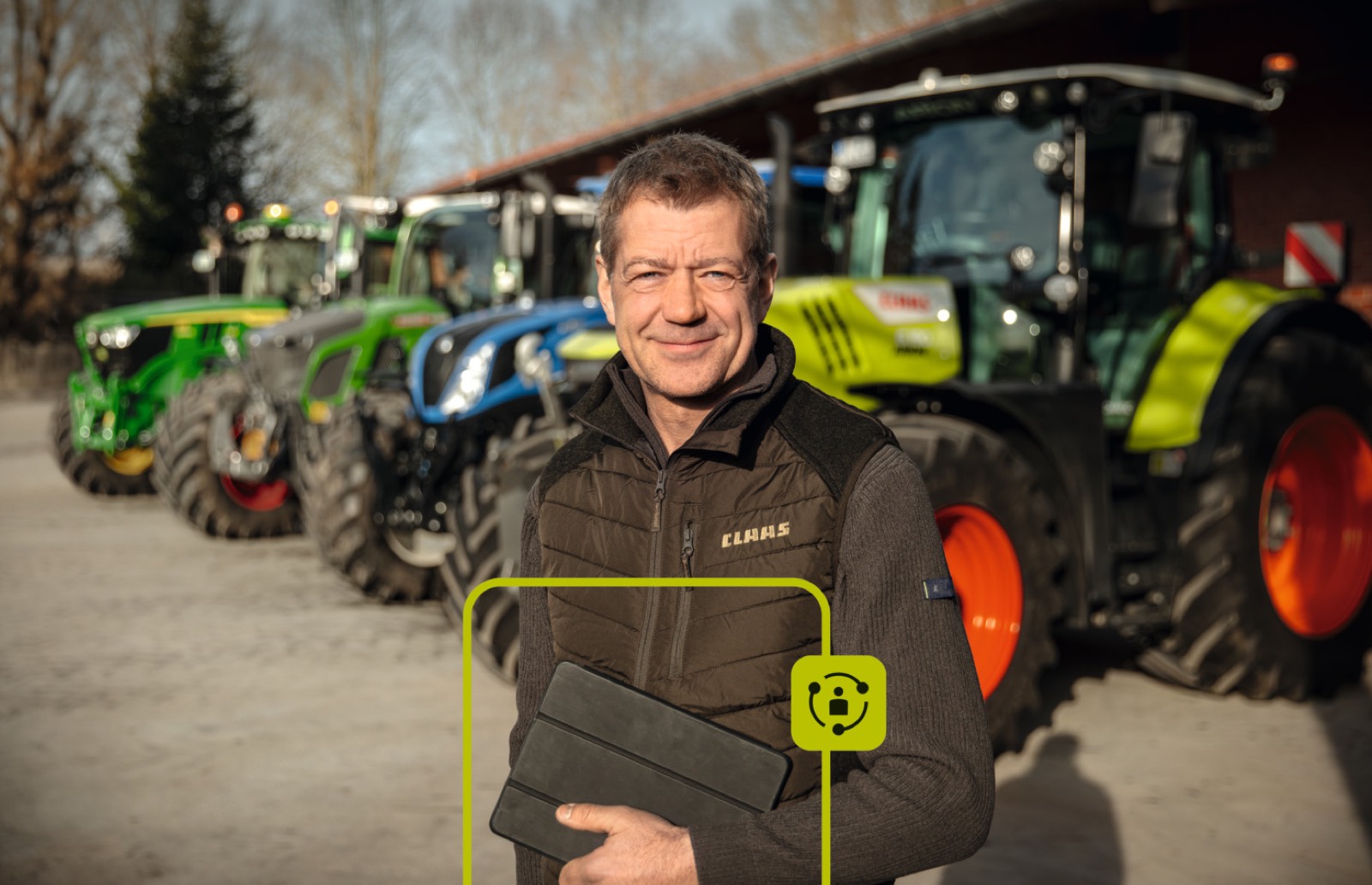
For 365FarmNet customers, this creates a new working environment that addresses many familiar practical requirements: from field and crop rotation planning, automatic documentation and mobile work processes through to maps, exports and reports.
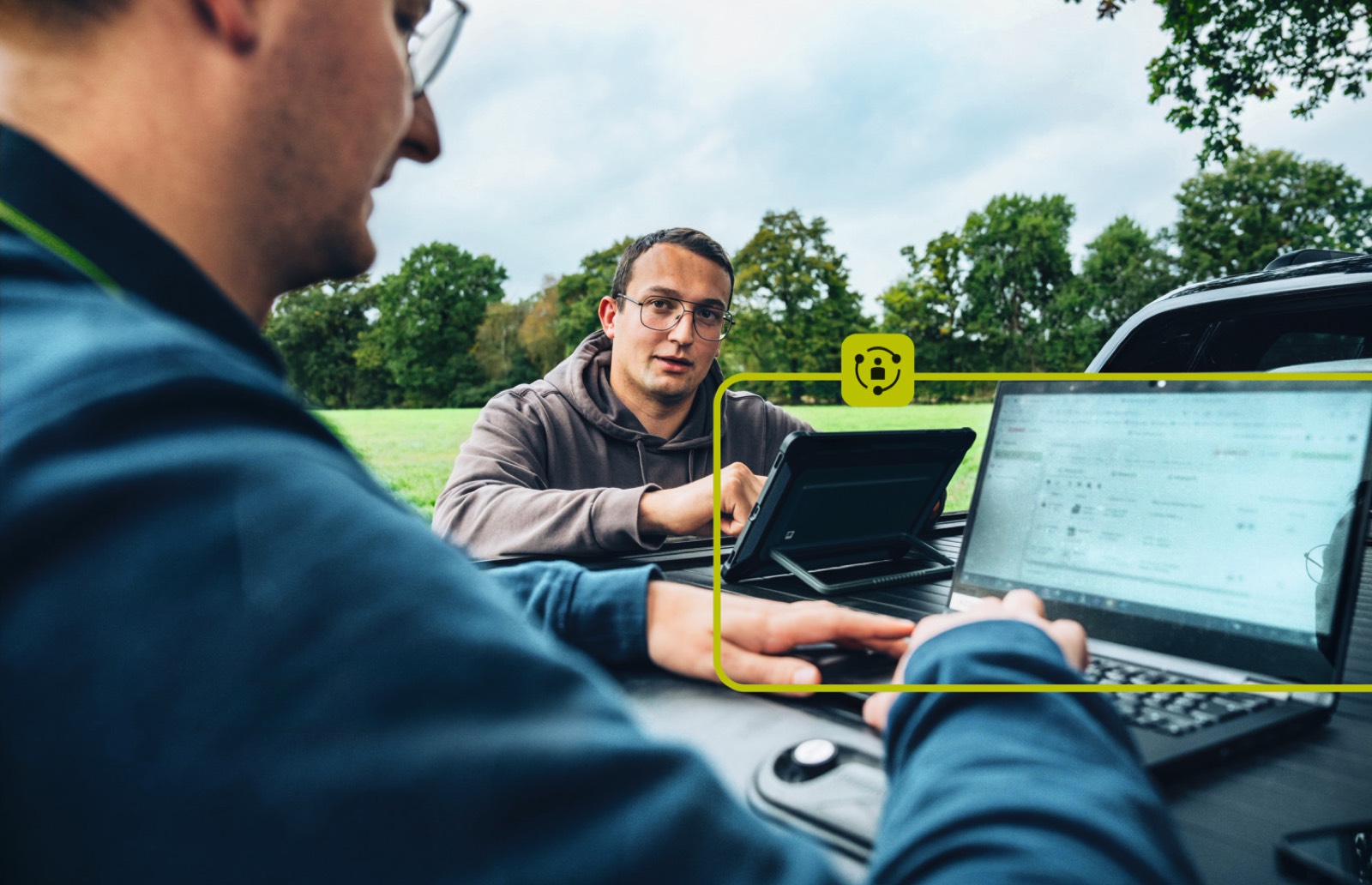
Everything in view: centrally manage farms, fields, machines and activities
- Central overview of farms, fields, machines, people and work processes
- Filter activities by farm, field, crop, period, machine or input
- Track ongoing and completed work in the office and on mobile devices
- Fast access to relevant process information directly in CLAAS connect
Work processes can be filtered by farms, fields, crops, periods, machines, people or inputs. This helps you maintain an overview even when there are many activities and find the information you currently need more quickly. This is particularly helpful when several farms, customers or areas are being managed.
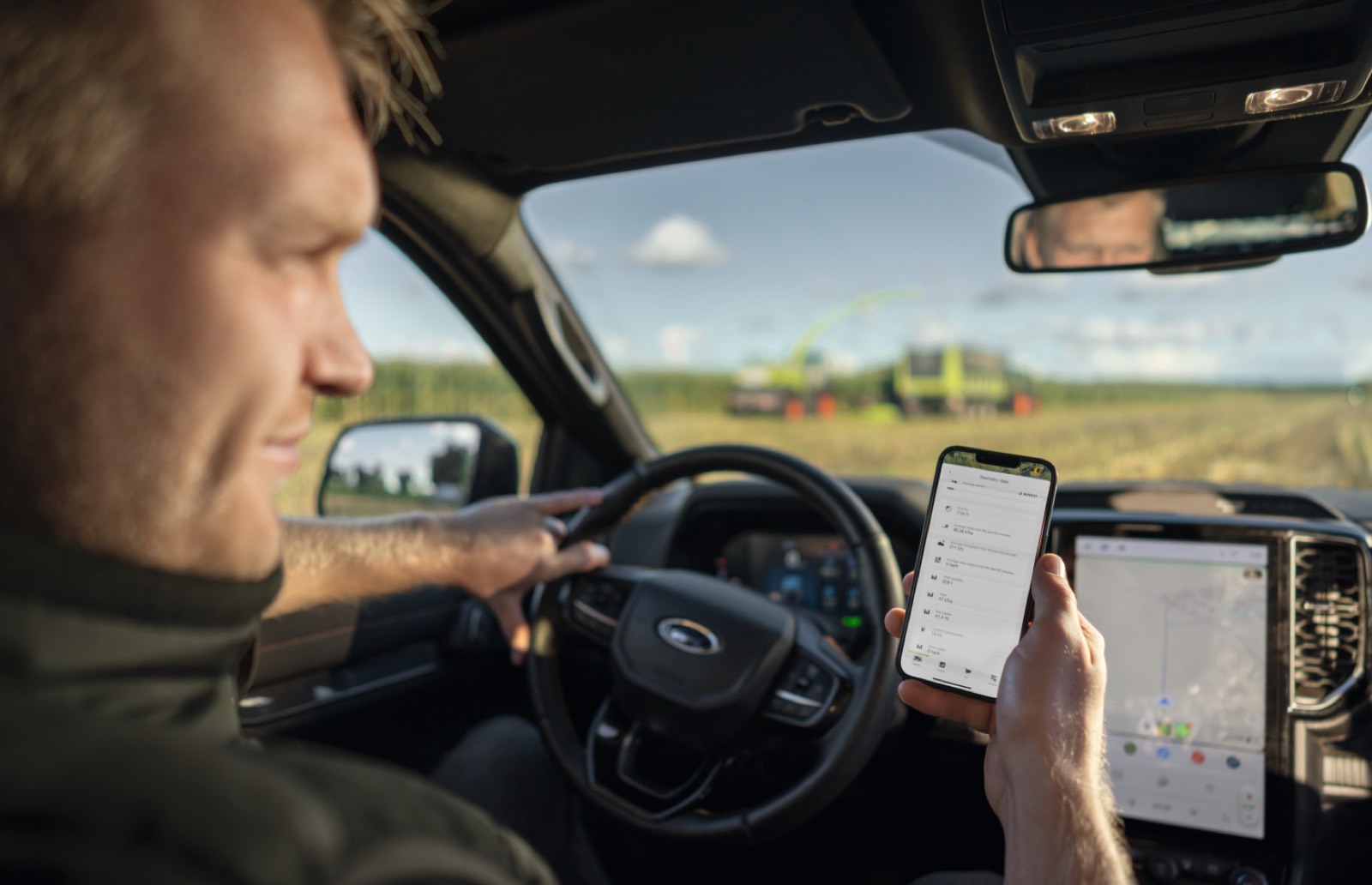
Relevant information is also displayed directly on the mobile device in the Farm Management app. Ongoing activities appear on the map, process data is visible on the machine detail page and work progress can be tracked directly. This creates a fast overview of ongoing and completed work — in the office and in the field.
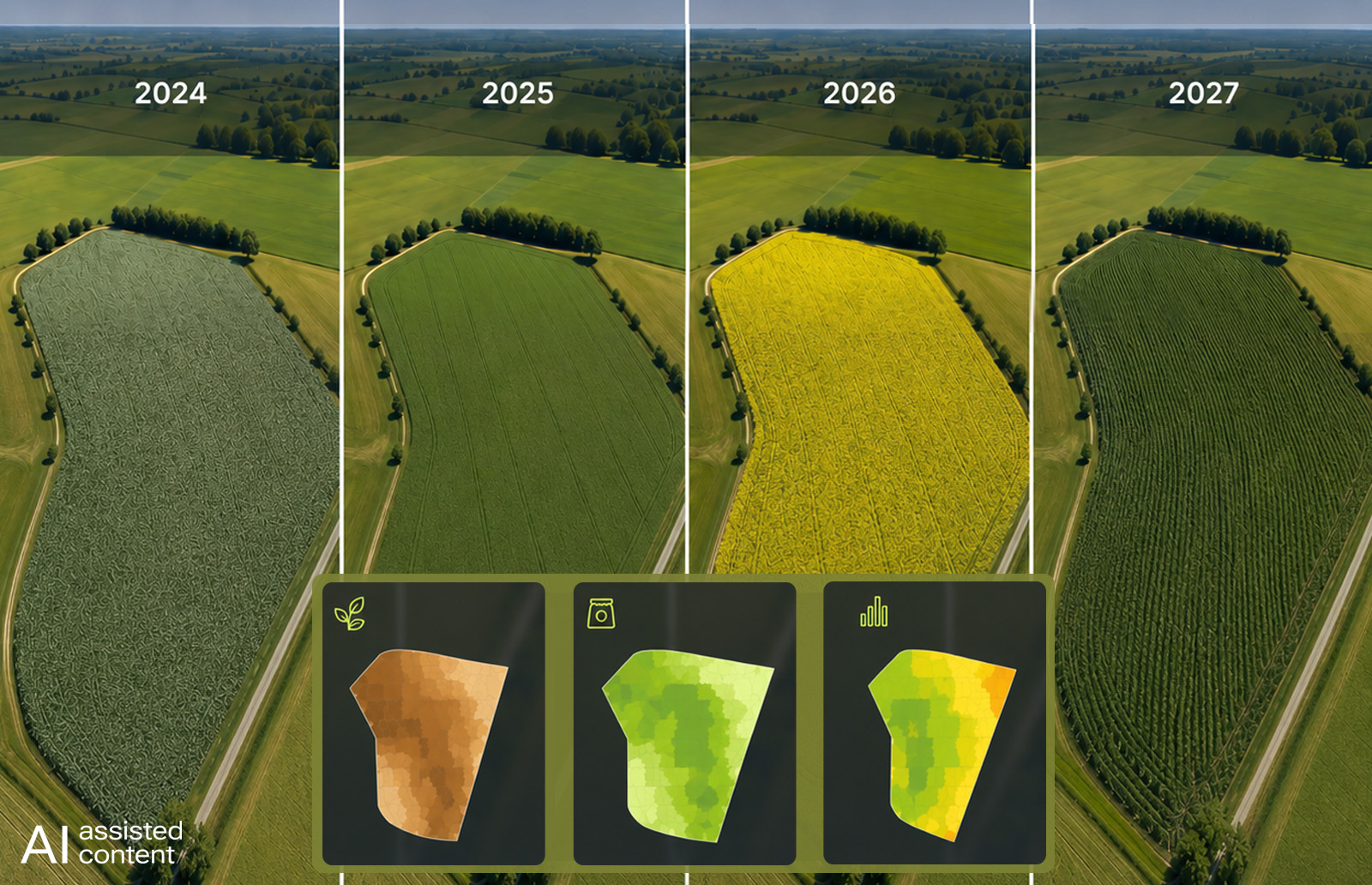
Simplify planning: efficiently prepare crop rotations, seed and collective operations
- Plan crops and crop rotations across multiple harvest years
- Create collective operations for several fields at the same time
- Calculate seed quantity and seeding rate based on relevant parameters
- Use consistent planning as the basis for clean documentation
Basic crop rotation planning gives you an overview of historical and planned crops. You can plan crops for one or more fields, filter by date, farm, crop, name or size and add harvest years in the past or future. Crops derived from activities are linked to the corresponding activities and are locked for editing. This keeps planning transparent and consistent.
Collective operations also make work easier: activities can be planned or documented for several fields at the same time. A separate activity is created for each field. This saves time when the same measure — for example sowing, harvesting or an input order — is planned for multiple areas.
For sowing, CLAAS connect provides additional support for calculating seed quantity and seeding rate. Thousand grain weight, germination rate and seed density can be taken into account. The sowing quantity can be calculated in different units such as kg/ha, seeds/m² or seeds/ha. This helps prepare machines correctly and document orders consistently.
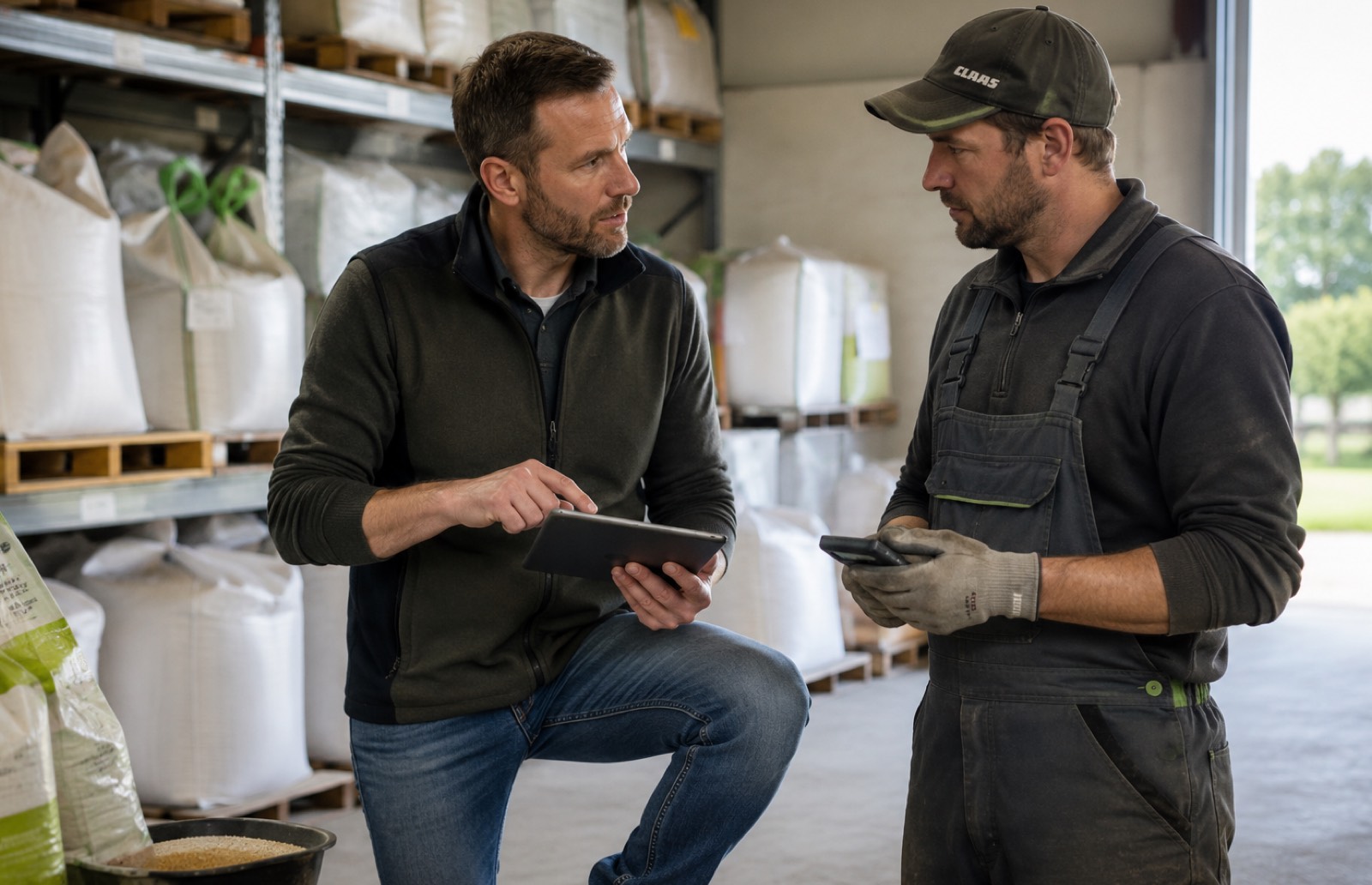
Document field work: automatically record and cleanly consolidate work processes
- Automatically merge similar activities into one work process
- Include work processes from ISOXML, app, AutoDoc or manual entry
- Use bulk editing for several activities at the same time
- Fewer manual corrections and clearer activity lists
Similar activities that originally belong together can be merged automatically. This is particularly relevant when work processes have been recorded separately due to interruptions, several sub-orders or different data sources. CLAAS connect checks factors including field, machine type, activity type, harvest, harvest product, inventory and period, and merges matching activities. The original individual activities remain available in the background and can be saved for reference purposes.
In the mobile app, similar work processes are also automatically consolidated into a single activity. This makes the activity list clearer, reduces manual effort and keeps documentation clean and traceable. Driving times, machine data and personnel data can be shown in detail.
For larger data volumes, bulk editing of work processes is also available. Several activities can be selected and attributes such as harvest year, date or activity type can be adjusted in one step. This saves time and helps avoid errors in extensive activity lists.
Mobile documentation: display, edit and export work processes directly in the app
- Check and edit work processes directly on the smartphone
- Export completed activities as PDF or CSV
- Display and adjust NIR values for organic fertilisation directly in the app
- View work and yield maps in the respective operation on mobile devices
Completed work processes can be exported in the app as CSV or PDF. The CSV export contains raw data and is suitable for individual analyses in Excel or other applications. The PDF export makes it possible to share completed work processes directly from the mobile device — for example by email or messenger. This is particularly practical when orders for fertilisation, crop protection or harvesting need to be forwarded directly to customers without preparing the analysis in the office.
The display of NIR values is also supported in the app. For organic fertilisation, delivered NIR data, such as nutrient contents including nitrogen, phosphorus or dry matter, can become visible directly in the activity. Values can be checked and adjusted if required. This improves data quality and reduces later corrections.
Map views are also available in the app for harvesting and work processes. Yield maps can be displayed directly within a work process. This makes it possible to quickly identify yield differences in the field and select additional map layers.
Use machine data: integrate mixed fleets, tracks and ongoing activities
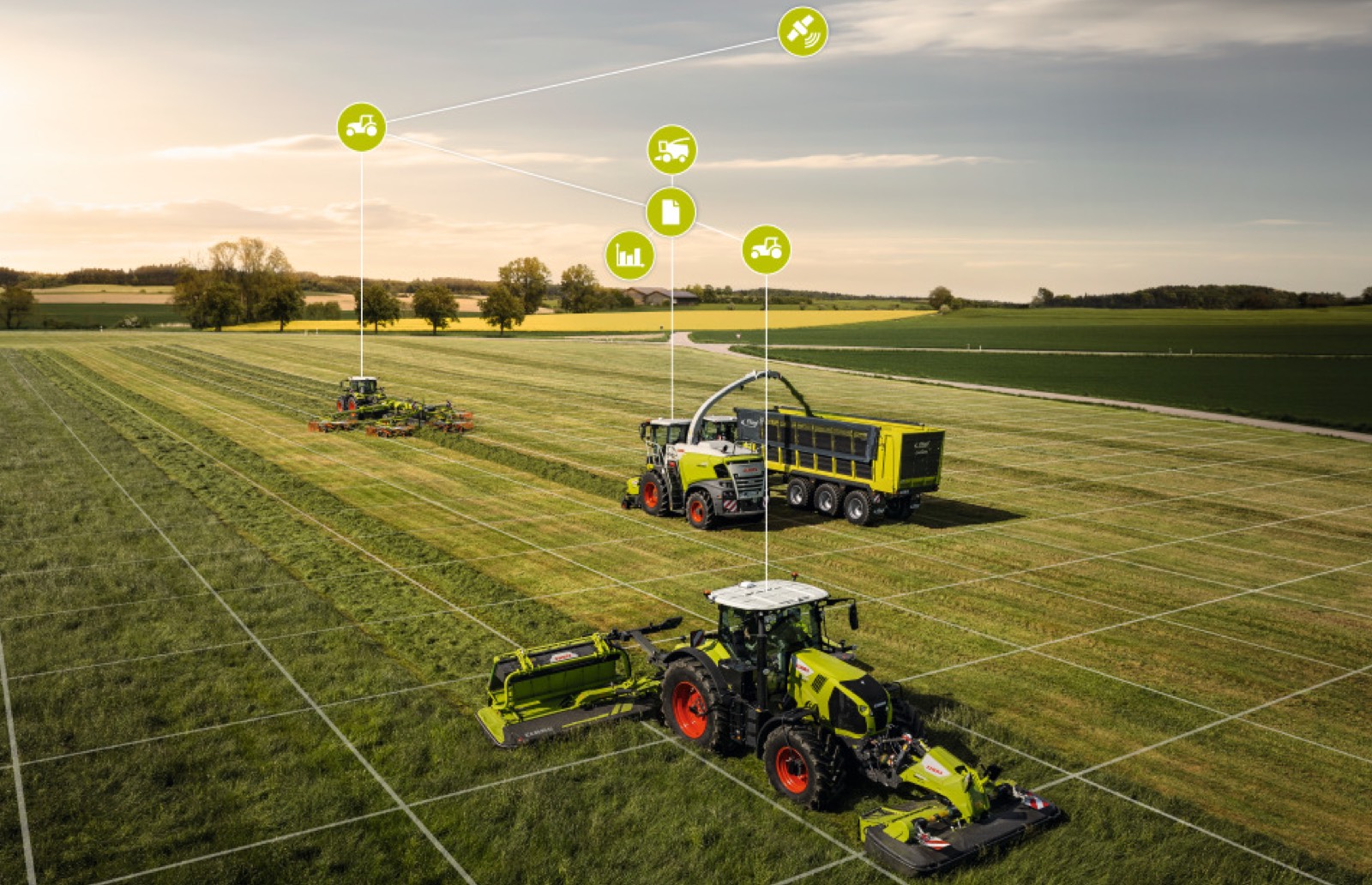
- Connect CLAAS machines and third-party machines in CLAAS connect
- Track ongoing activities directly on the map
- Analyse tracks over longer periods
- Use machine and implement data as a basis for documentation and analysis
CLAAS machines and third-party machines can be documented in CLAAS connect. Various options are planned for integration: via the CLAAS connect app as a position tracker, via additional telemetry hardware.
In the app, ongoing activities are displayed directly on the map. Automatically detected work can therefore be recorded quickly and assigned to the respective fields. Telemetry data with and without reference to an activity is clearly separated to prevent confusion.
Tracks are also becoming more usable. Each track point contains additional information such as timestamp, machine and implement. If ‘Today’ is included in the period, current machine data is displayed in the live context. Historical periods show the corresponding past track information.
Field boundaries and maps: precisely manage, combine and analyse areas
- Create, split and merge field boundaries directly in the Geocenter
- Use tracks and map layers when drawing field boundaries
- Combine and further process point data and contour maps
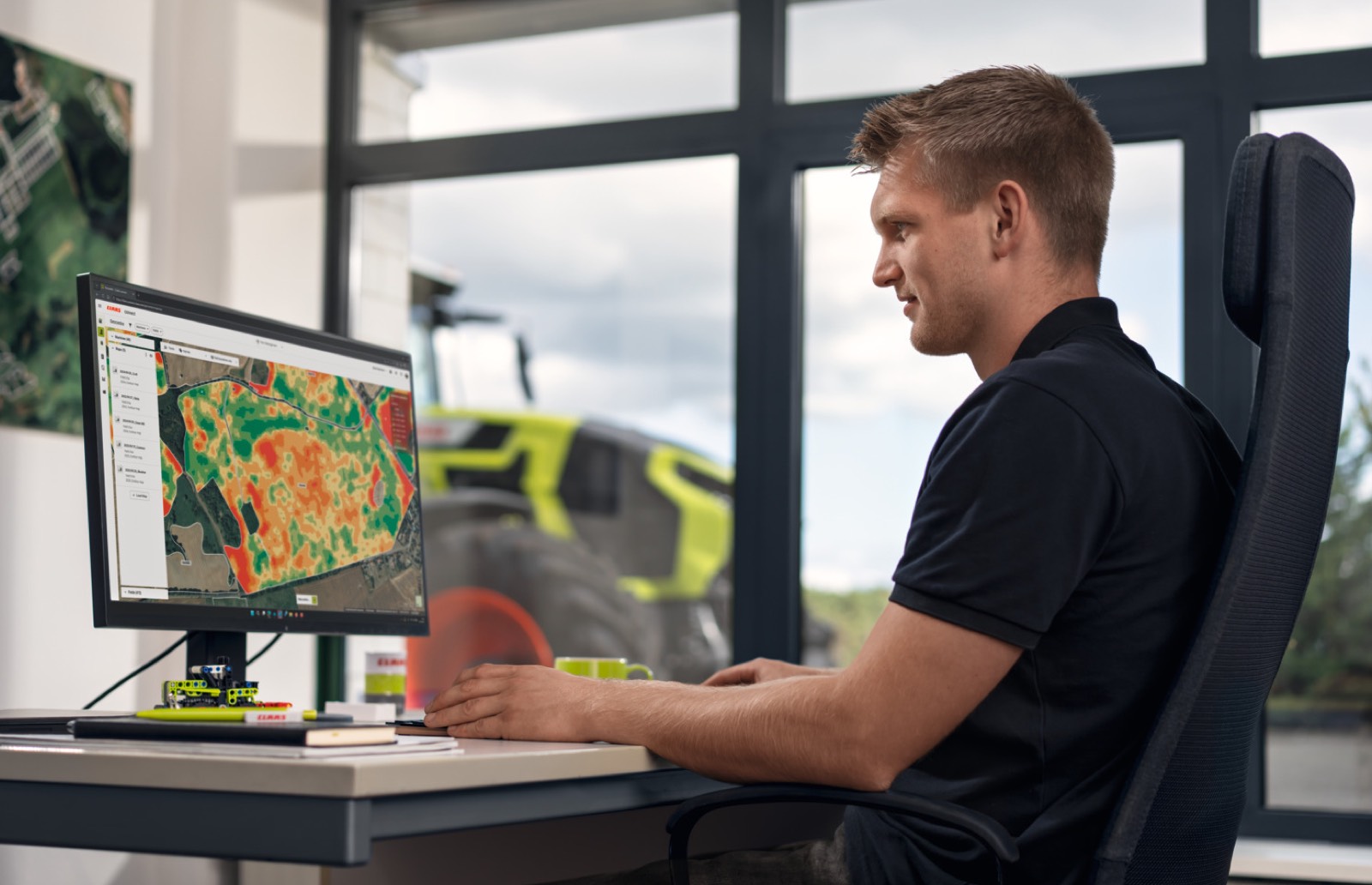
- Use maps as the basis for analyses and prescription maps
Field boundaries can be split or merged manually. After a split or merge, new fields are created automatically. Each field retains a reference to predecessors and successors. This helps document changes in a traceable way. Existing activities remain unchanged; edits are possible as long as there are no activities on the affected field.
In the Geocenter, field boundaries can be created or edited directly. Tracks and other map layers that are visible in the current view are available when creating and editing field boundaries. This allows field boundaries to be drawn more precisely based on machine tracks, point maps or other map data.
In addition, several map layers of the same map type can be combined. Point data from different machines or orders can be combined before being used as a contour map. Contour maps can also be used to create overviews — for example annual weighed harvests across all fields.
A tool for creating contour maps is available for point data. Raw data such as NIR data or actual value maps can be manually cleaned and interpolated. The resulting contour maps can be saved, downloaded or used as the basis for prescription maps.
Understand harvest data: analyse yield maps, NIR values and chopping quality
- Display yield maps directly in the work process
- Analyse yields as dry matter or fresh matter
- Make NIR values for organic fertilisation visible and editable
- Evaluate chopping quality directly in the field using the CSPS value
Yield maps can be displayed directly in the work process in the app. Yield differences in the field are therefore quickly visible. Depending on the available data basis, further map layers can be selected, for example contour maps, point data maps or maps from individual machines.
he display of yields as dry matter or fresh matter is also supported. Information on harvest products can be supplemented with dry matter and fresh matter proportions. The values are calculated to a total of 100 percent and can be edited. This allows different requirements to be represented more effectively depending on the crop.
For forage harvesters, the chopping quality app provides additional support. It helps determine the corn silage processing score as a CSPS value. The higher the value, the better the kernels are processed and can be digested by ruminants. The analysis is available in the CLAAS connect app and can also be retrofitted for certain JAGUAR machines. This enables harvest quality to be assessed directly in the field.
Analyse consumption and sustainability: document inputs, fuel and CO₂
- Analyse consumption of seed, fertiliser, crop protection products, water and fuel
- Filter inputs by period, farm, field or crop
- Document CO₂ emissions based on diesel consumption
- Use consumption data as the basis for records and farm analyses
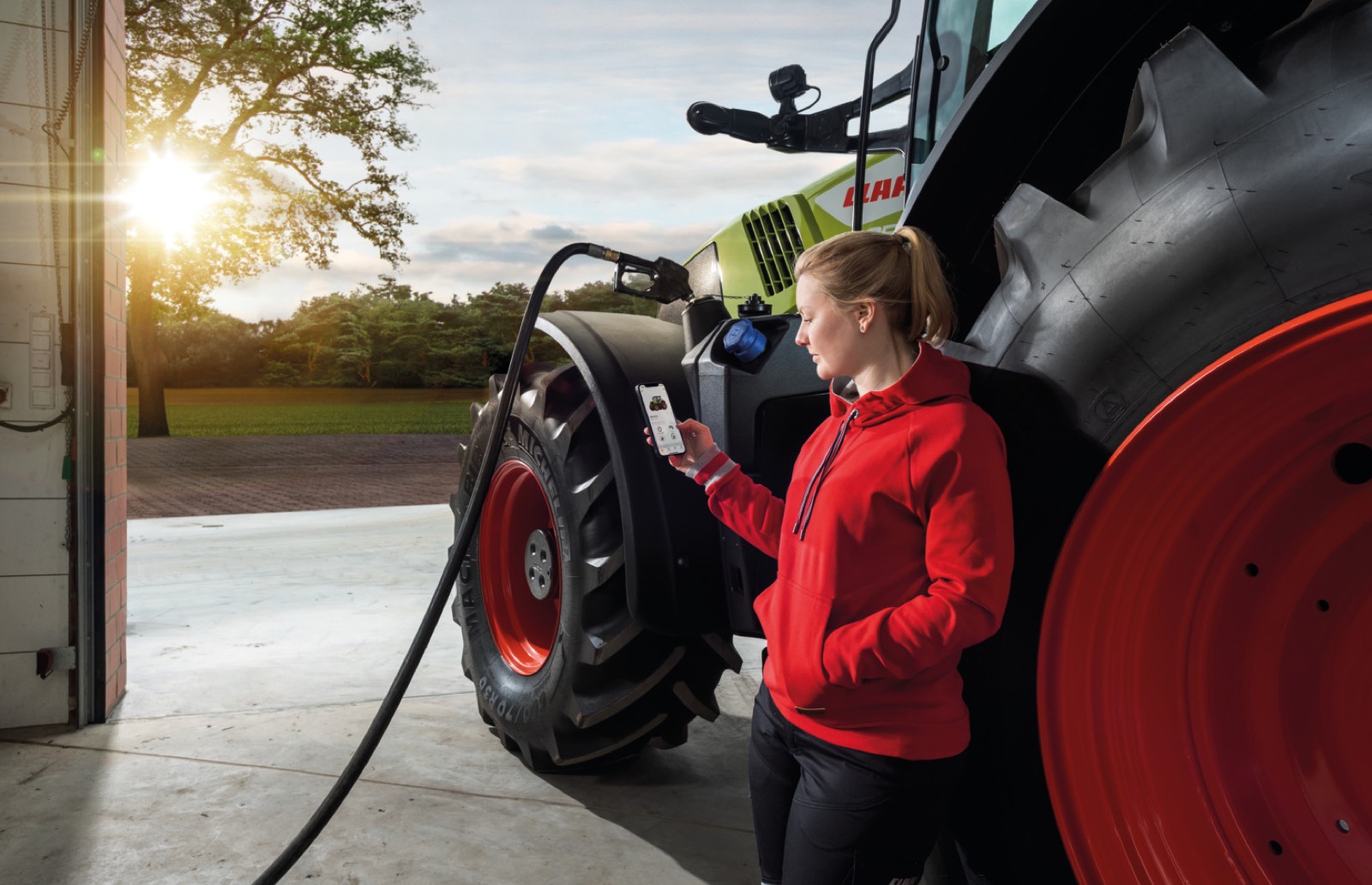
The consumption report bundles inputs and resources used in booked activities. These include, for example, seed, fertiliser, crop protection products, water, fuel and lubricants. The data can be filtered by period, farm, field, crop or input. This creates a clear overview of which inputs were used on which areas.
The reports help identify consumption patterns and check documentation data more quickly. Individual activities can be traced from the report, allowing corrections to be made in a targeted way. Results can be output as PDF or exported for further analyses.
Fuel-related CO₂ documentation is also supported. Based on diesel consumption, CO₂ emissions can be shown in activities and PDF reports. This makes it easier to provide emissions data, for example for requirements in milk production or for substrate suppliers to biogas plants.
Reports and exports: process data further as PDF, CSV or ISOXML
- Export work processes as PDF or CSV
- Reuse raw data for individual analyses
- Provide completed work processes as ISOXML
- Easily share documentation data with customers, partners or systems
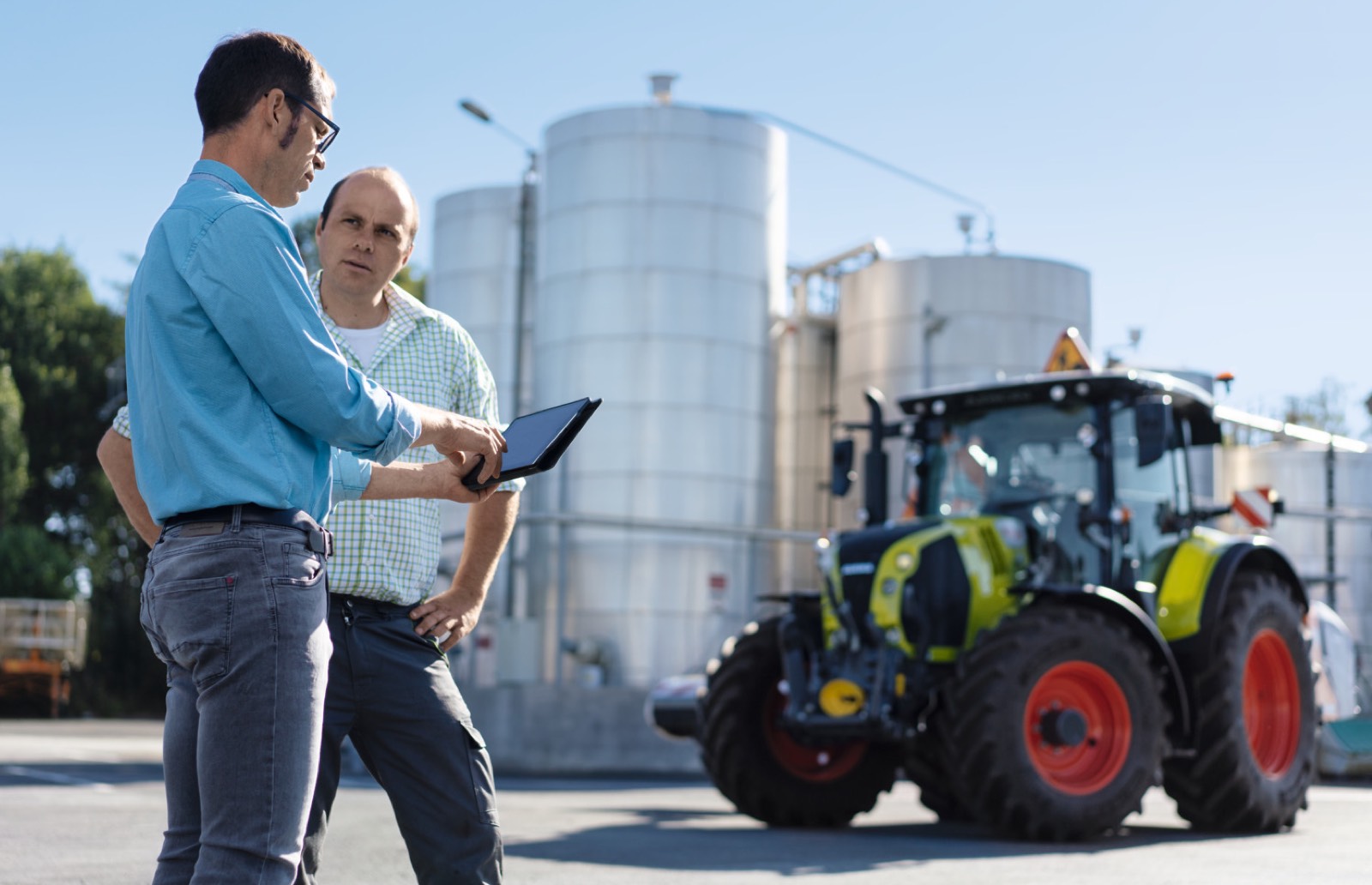
Work processes can be exported in the mobile app as CSV or PDF. CSV files are suitable for raw data analyses, while PDF files are useful for quickly sharing information with customers, partners or internal contacts.
Completed work processes can also be exported as ISOXML. This is particularly relevant when no original ISOXML order file is available but the activity data still needs to be transferred to a terminal or another FMIS. The exported TASKDATA can be used like completed TASKDATA from a terminal. In a further step, point data information, for example yield data, can also be inserted into the export file.
CLAAS connect therefore supports both day-to-day documentation and further processing in existing processes — from mobile PDFs to structured data exports.
ZEnable collaboration: share machines, release data and document processes together
- Share machine data from selected machines for a limited period
- Facilitate collaboration between farms, contractors and partners
- Support automatic documentation of contract work
- Create more transparency in joint work and documentation processes
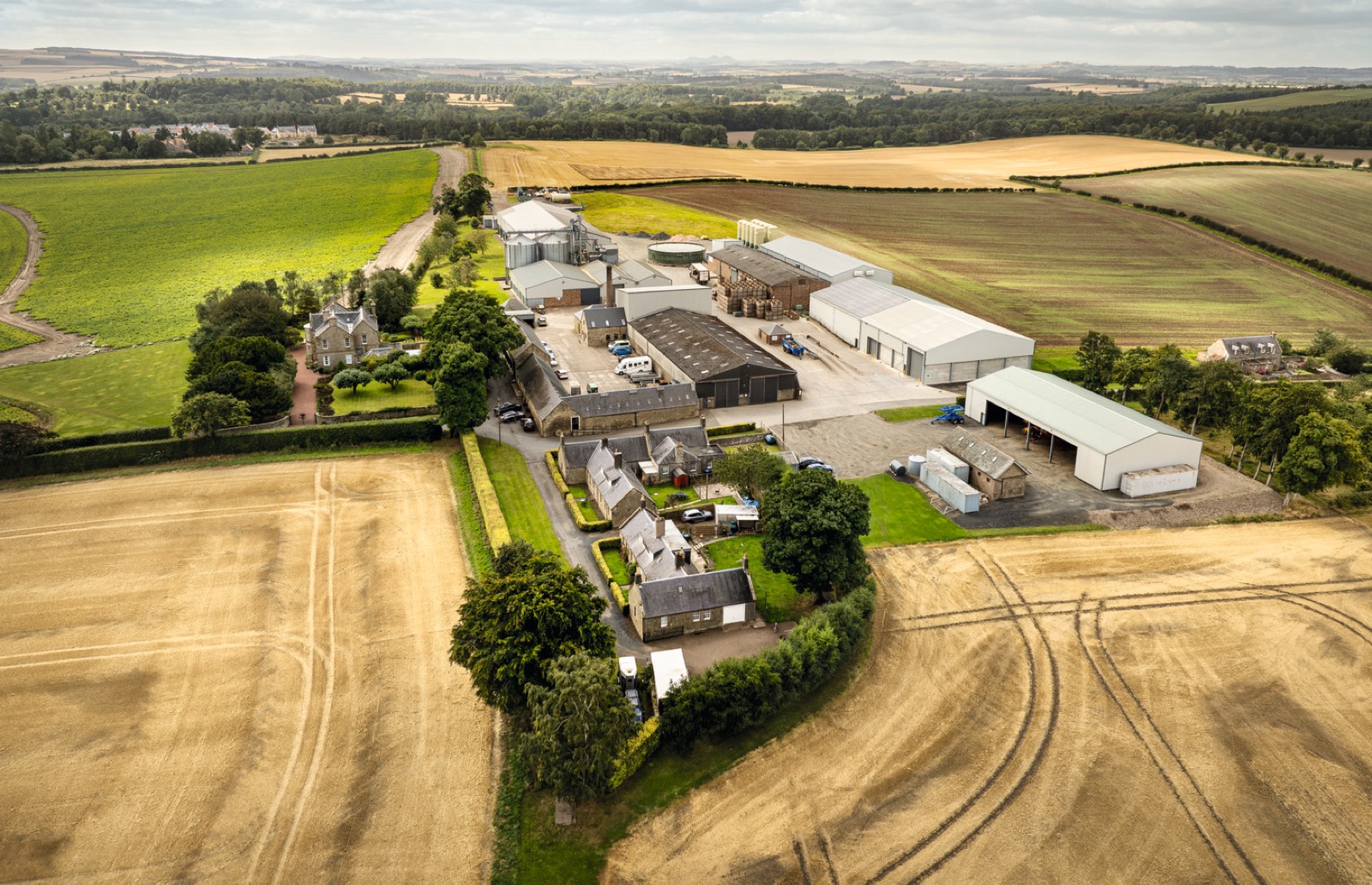
Machine Sharing is intended to make it possible to share machine data from selected machines with other organisations for a limited period. This allows machines to be used by both organisations as regular machines. It simplifies fleet and data management and creates more transparency between contractors, farms, dealers and customers.
One important use case is the automatic documentation of work carried out by contractors on customers’ fields. If machine data can be shared securely and in a targeted way, manual effort is reduced, data gaps are minimised and a better basis is created for joint documentation and analysis.
The integration of machines from different brands and years of manufacture also contributes to this objective: all relevant data should come together in one place so that field work becomes usable documentation and documentation becomes usable insight.